

HomeBlogsUnderstanding the Key Difference Between Component-Based and Utility-Based Design
Design & Frontend

Understanding the Key Difference Between Component-Based and Utility-Based Design

Explore the fundamental differences between semantic component-based styling and atomic utility-based design. Learn how choosing the right CSS methodology impacts your development workflow, UI consistency, and Core Web Vitals. Understanding the Key Difference Between Component-Based and Utility-Based Design When building modern web interfaces, choosing the right CSS methodology is crucial for maintainability and performance. Two […]

Explore the fundamental differences between semantic component-based styling and atomic utility-based design. Learn how choosing the right CSS methodology impacts your development workflow, UI consistency, and Core Web Vitals.

Understanding the Key Difference Between Component-Based and Utility-Based Design

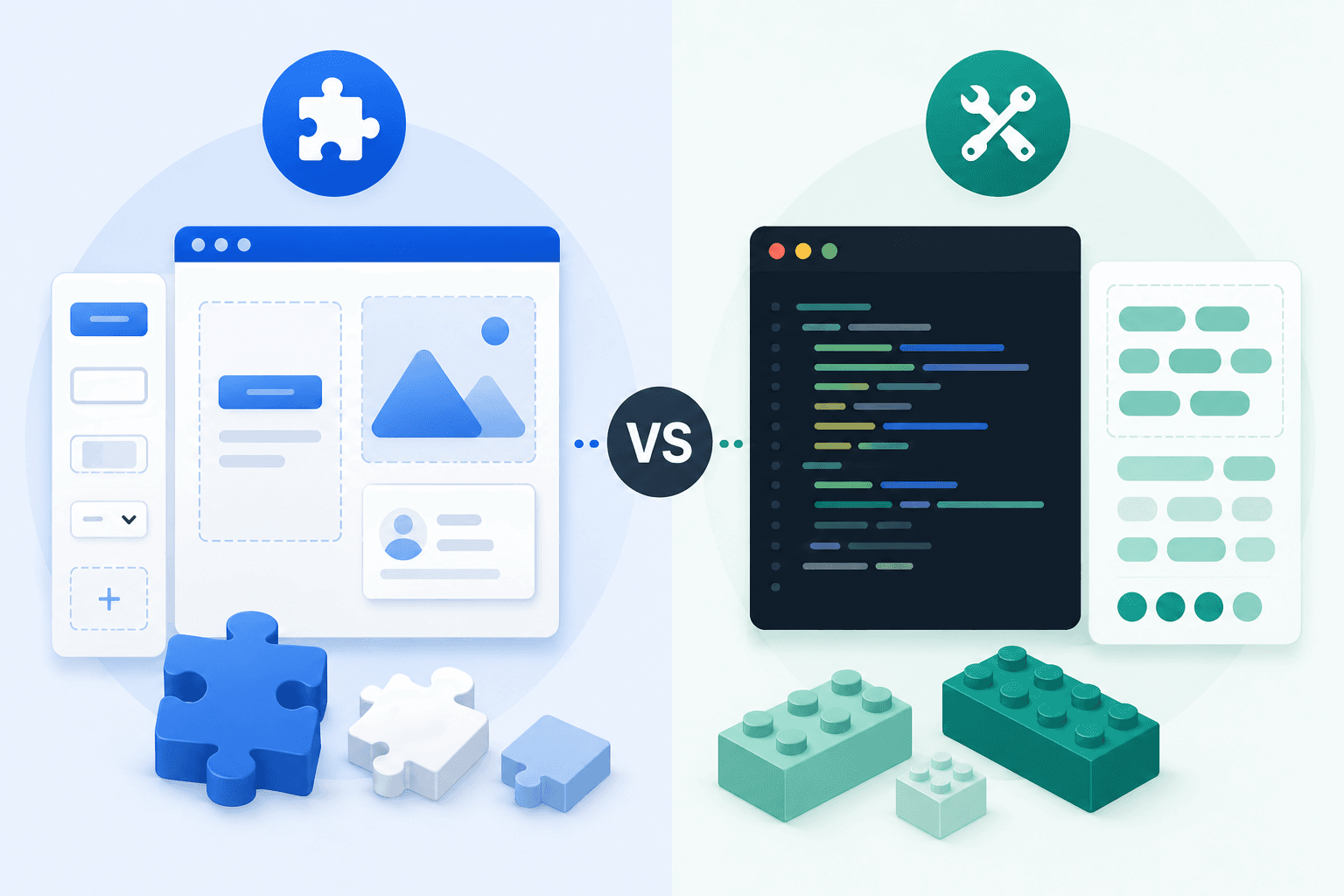
When building modern web interfaces, choosing the right CSS methodology is crucial for maintainability and performance. Two dominant paradigms have emerged: Component-Based and Utility-Based design. Here is a breakdown of their core differences and how they impact your development workflow.

The Component-Based Approach (Semantic)

This traditional approach relies on pre-defined, semantic classes that encapsulate multiple CSS properties to style an entire UI element.

The Concept:

  • Focuses on “what” an element is (e.g., .btn-primary, .user-card).

  • Utilizes traditional frameworks or minimal libraries like Pico.css and MVP.css.

  • Styles are abstracted away into separate stylesheet files.

The Advantages:

  • Keeps your HTML or JSX markup clean and easily readable.

  • Excellent for rapid prototyping if the framework’s default design matches your needs.

  • Enforces strict visual consistency across standard elements.

The Drawbacks:

  • Requires constant context-switching between markup and CSS files.

  • Often results in shipping unused styles, which increases payload size and can negatively impact Lighthouse scores.

  • Overriding default framework styles usually requires writing complex, heavily weighted CSS selectors.

The Utility-Based Approach (Atomic)

Utility-first CSS uses single-purpose classes that map directly to individual CSS properties, allowing you to build complex designs directly in your markup.

The Concept:

  • Focuses on “how” an element looks (e.g., flex, text-center, px-4).

  • Powered by highly optimized, on-demand engines like Tailwind CSS or UnoCSS.

  • Encourages composing UI elements directly within your component structure.

The Advantages:

  • Drastically reduces CSS payload size by generating only the classes you actually use, improving LCP and hydration times.

  • Eliminates the mental overhead of naming CSS classes entirely.

  • Incredibly powerful when paired with modern frameworks like Next.js, where UI logic and styling live in the same file.

The Drawbacks:

  • HTML markup can become cluttered and dense with long strings of utility classes.

  • Requires a learning curve to memorize the specific utility class abbreviations.

Impact on Performance and Scaling

The way your CSS scales as your application grows is one of the biggest differentiators between the two methods.

Component-Based Scaling:

  • CSS files continue to grow linearly as new custom components and features are added to the project.

  • Global scope issues and style collisions become more likely in large teams.

Utility-Based Scaling:

  • The CSS file size plateaus very quickly, as the same utility classes are reused across the entire application.

  • Styles are completely isolated to the element they are applied to, making it safe to delete old markup without fear of breaking styles elsewhere.

Final Thoughts

Both methodologies have their place depending on the scope of your project. If you are building a custom, highly interactive application where you need fine-grained control over the UI and want to optimize for Core Web Vitals, a utility-based engine often provides the best balance of flexibility and performance. For simpler, document-driven sites, semantic component frameworks might still be the fastest route to a finished product.

Share Article

Need Expert Help?

Have a project in mind? Let's discuss how we can bring your vision to life.

Contact Us